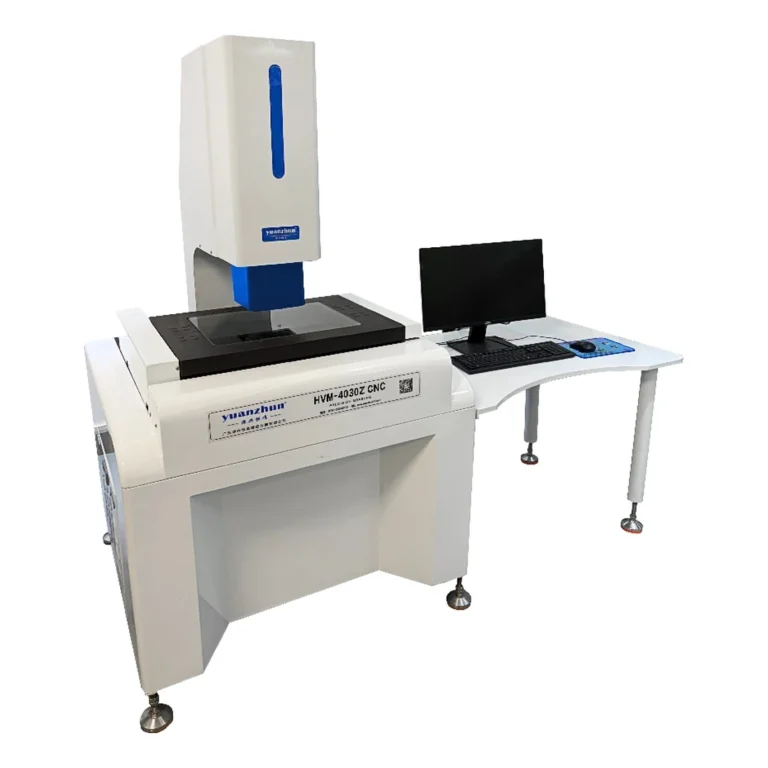
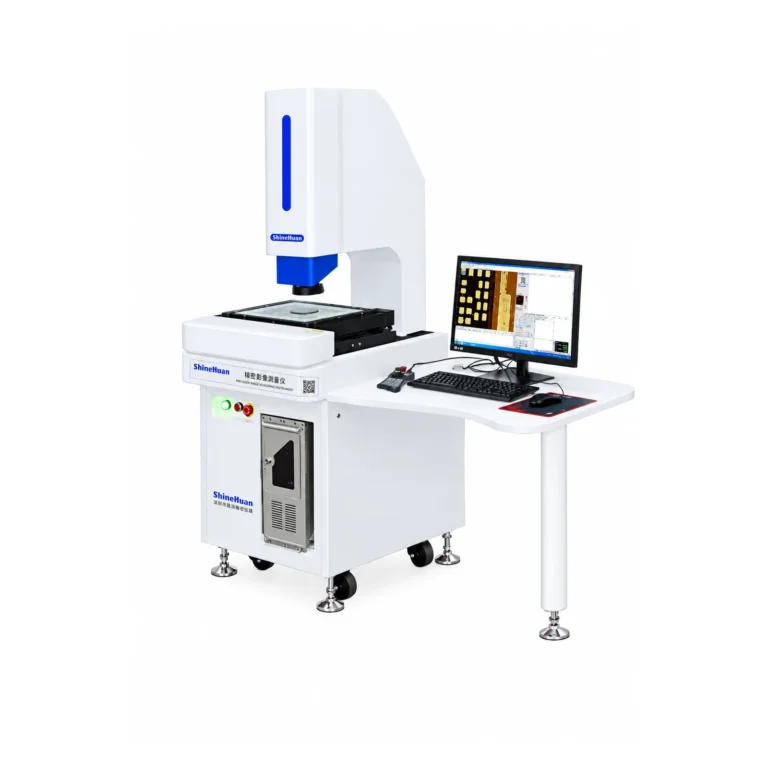
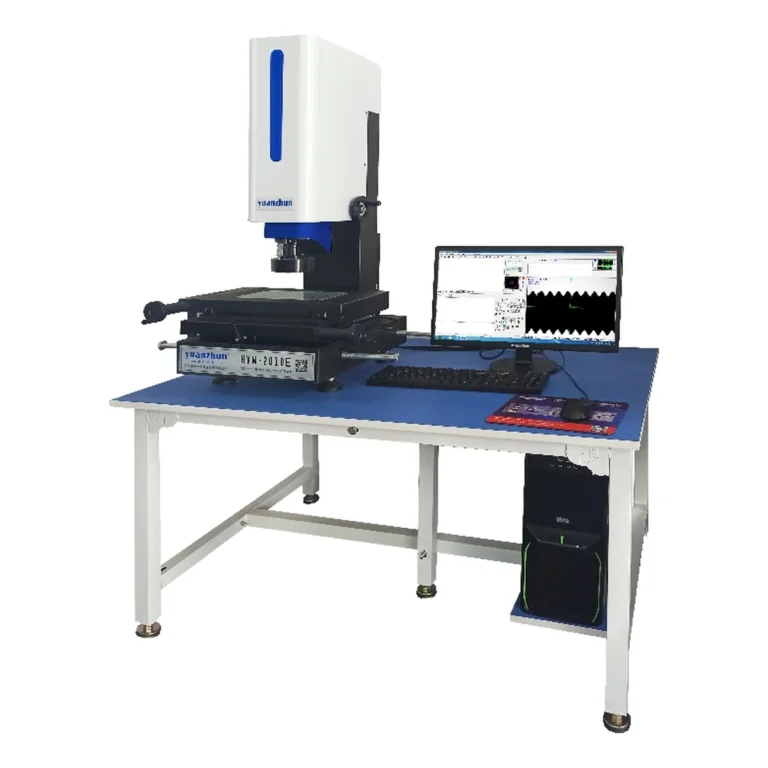
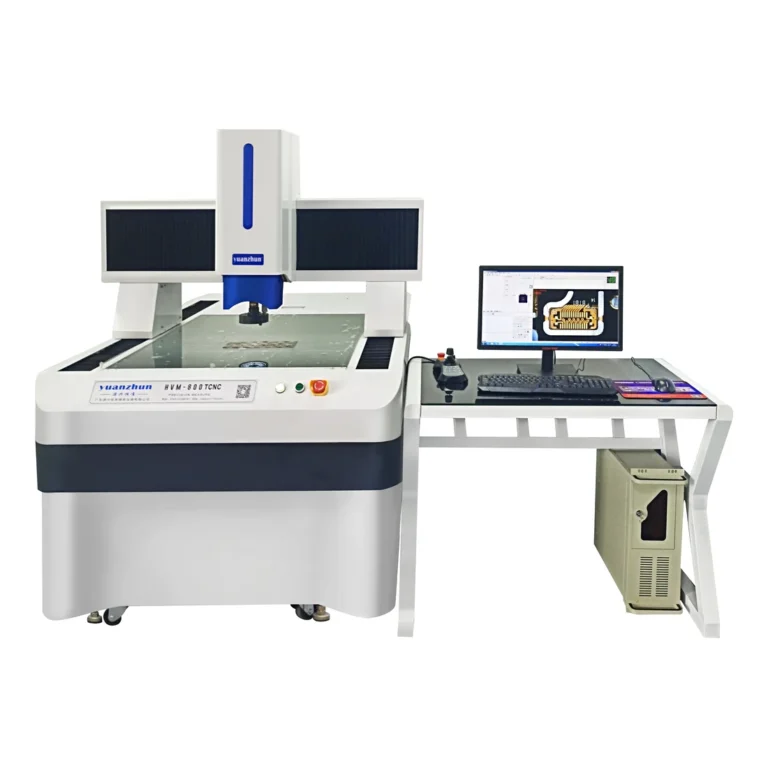
First step: Stop the inspection and preserve the last known-good setup. A missing image may be a display, software, lighting, camera or connection issue. Do not keep approving parts from a stale frame, and do not open electrical covers or optics as a first response.
Identify the symptom
- No display output: Check whether the monitor and computer are powered and whether the correct input is selected.
- Software opens, image pane is black: Check the selected camera or video source, illumination state and lens cap where applicable.
- Image is frozen: Check whether acquisition is paused and whether the capture device is connected.
- Image is present but unusable: Check focus, illumination, exposure and a clean, suitable test part before changing calibration.
Safe first-check sequence
- Record the machine model, software version, error message and the time the fault started. Take a screenshot if possible.
- Confirm the computer, monitor and instrument are powered in the normal startup sequence; check visible indicators without removing covers.
- Open the software’s camera-source or acquisition controls and verify that the intended device is selected and live acquisition is enabled.
- Confirm the transmitted and reflected light controls relevant to the task, and try a known visible reference feature at a safe working distance.
- Inspect accessible external cables for a loose connector or visible damage. Power down according to the manual before reseating a connector if required.
- Restart only by the supplier’s recommended sequence. If the fault returns, stop and contact qualified service rather than repeatedly changing settings.
After the image returns
A restored video feed is not proof the measurement process is still valid. Recheck focus, lighting, magnification, calibration or verification status, and a reference measurement before resuming production. Record what changed and any parts inspected since the last accepted check.
For preventive practices see the accuracy maintenance guide. If you need application-specific support for the manual video measuring series or another model, send the model and fault details.